Live2026
VideoLens developer tooling
Video analysis through a Chrome extension and MCP integration.
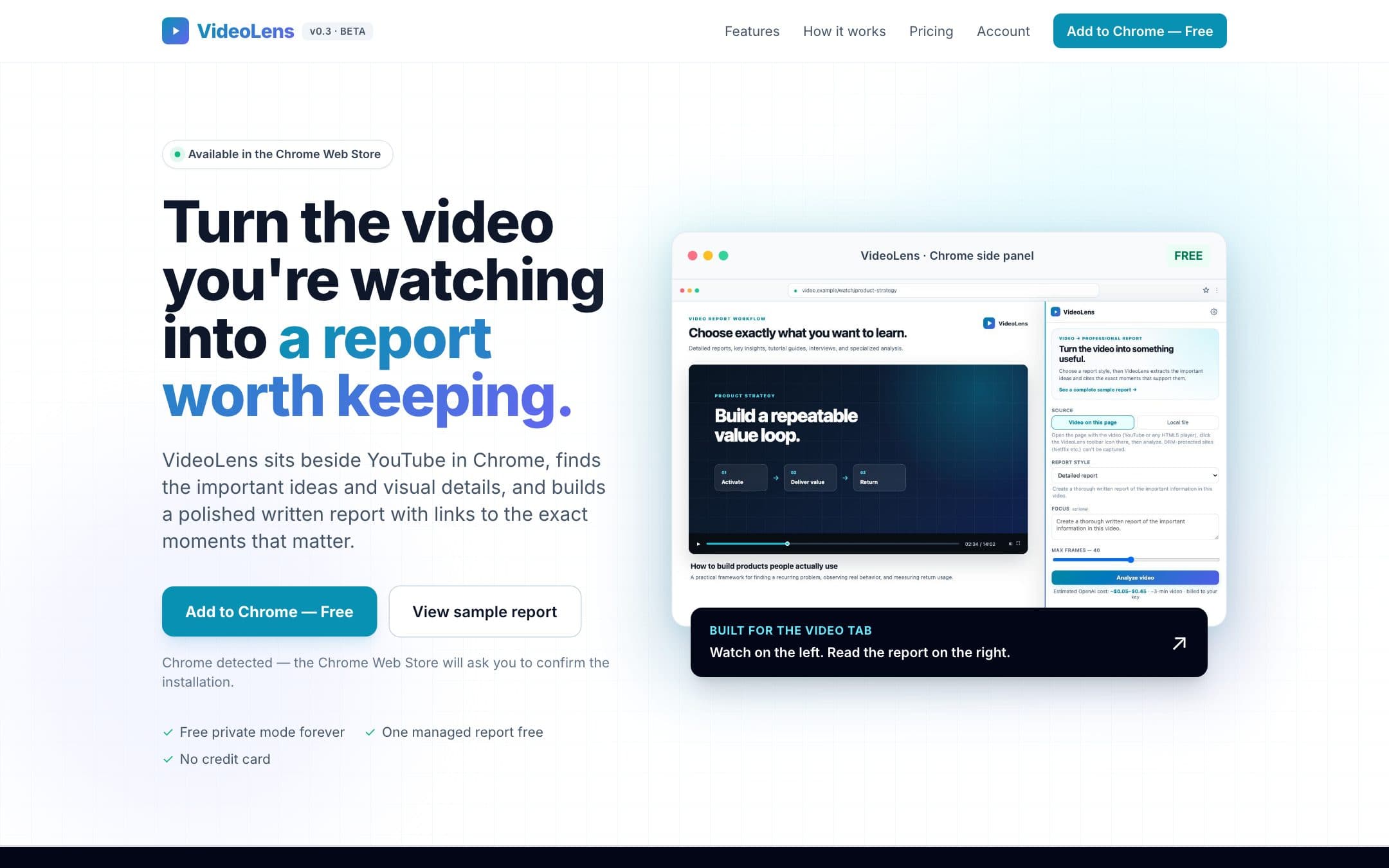
Developer tooling for video analysis: a published Chrome extension and an MCP integration connect video inputs to a pipeline grounded in speech, sampled frames and on-screen text. This case focuses on the extension and agent integration; the browser-based product is showcased separately by Astra Web Dev.
- Problem
- Transcript summarisers miss what is on screen. Bug reports, lectures and demos carry their evidence in the frames.
- Build
- A Chrome extension and MCP integration around a multi-signal pipeline. Speech, sampled frames and OCR contribute timestamped evidence; authentication, report exports and cost-aware caching belong to the connected service.
- Outcome
- A published Chrome extension and implemented MCP integration. Hosted MCP readiness and supported client paths should be checked against current product documentation before relying on them.
Related work
All work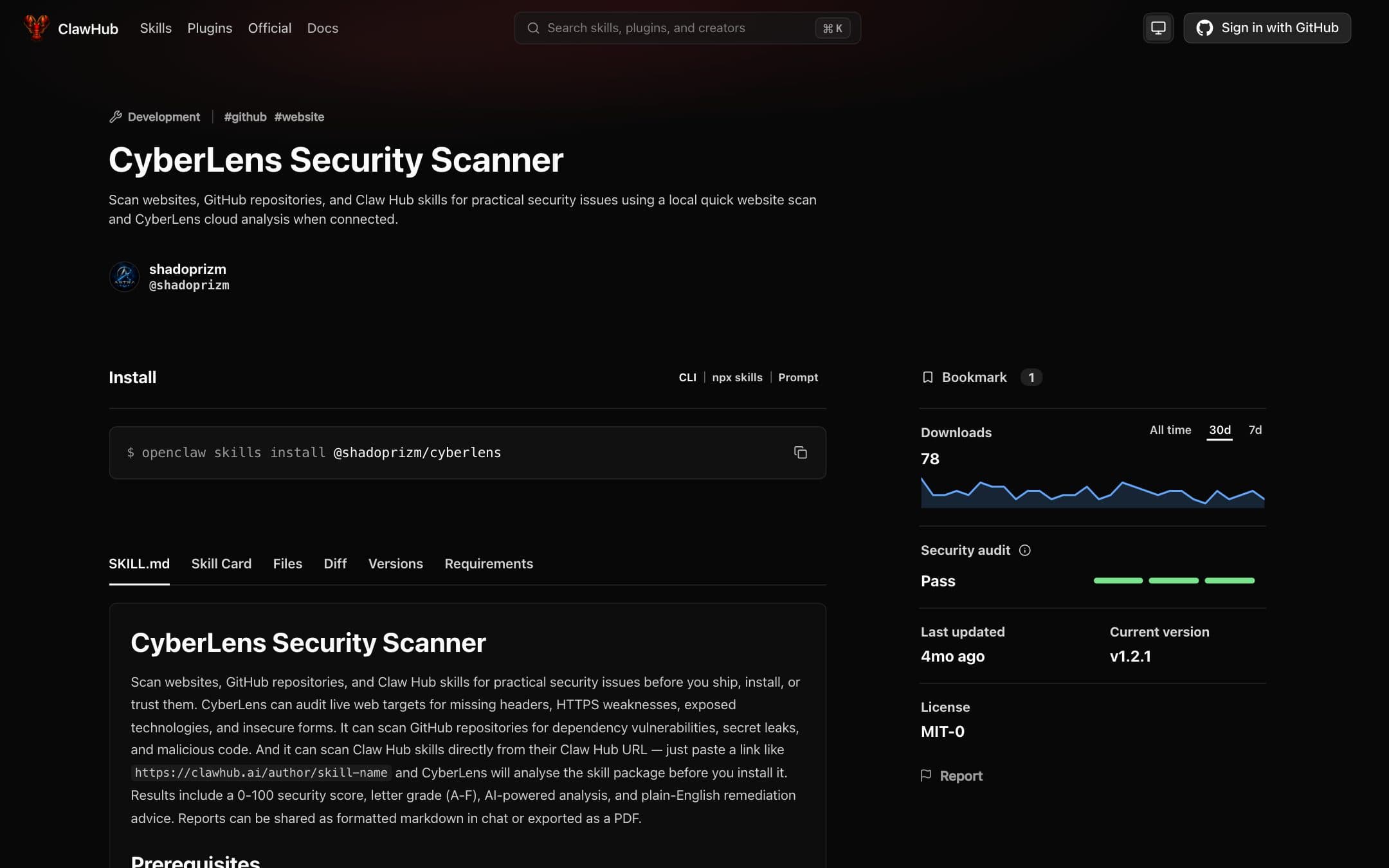 Live
The scanner, where the code is written: MCP server, OpenClaw skill and editor extension.
- TypeScript
- MCP SDK
- OpenClaw
- VS Code API
 Live
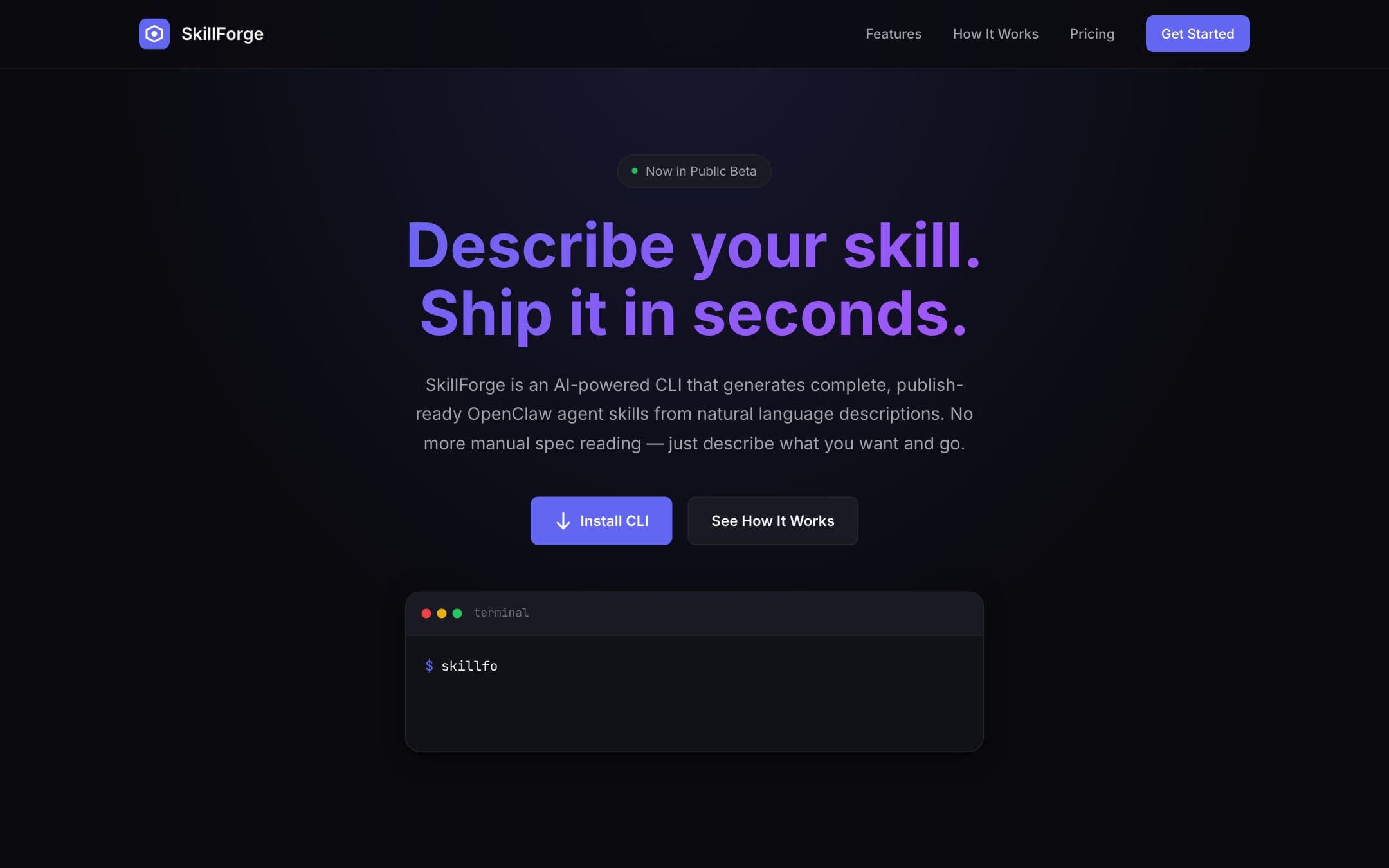
- Developer toolingBeta